
01.01
Home and rental dates
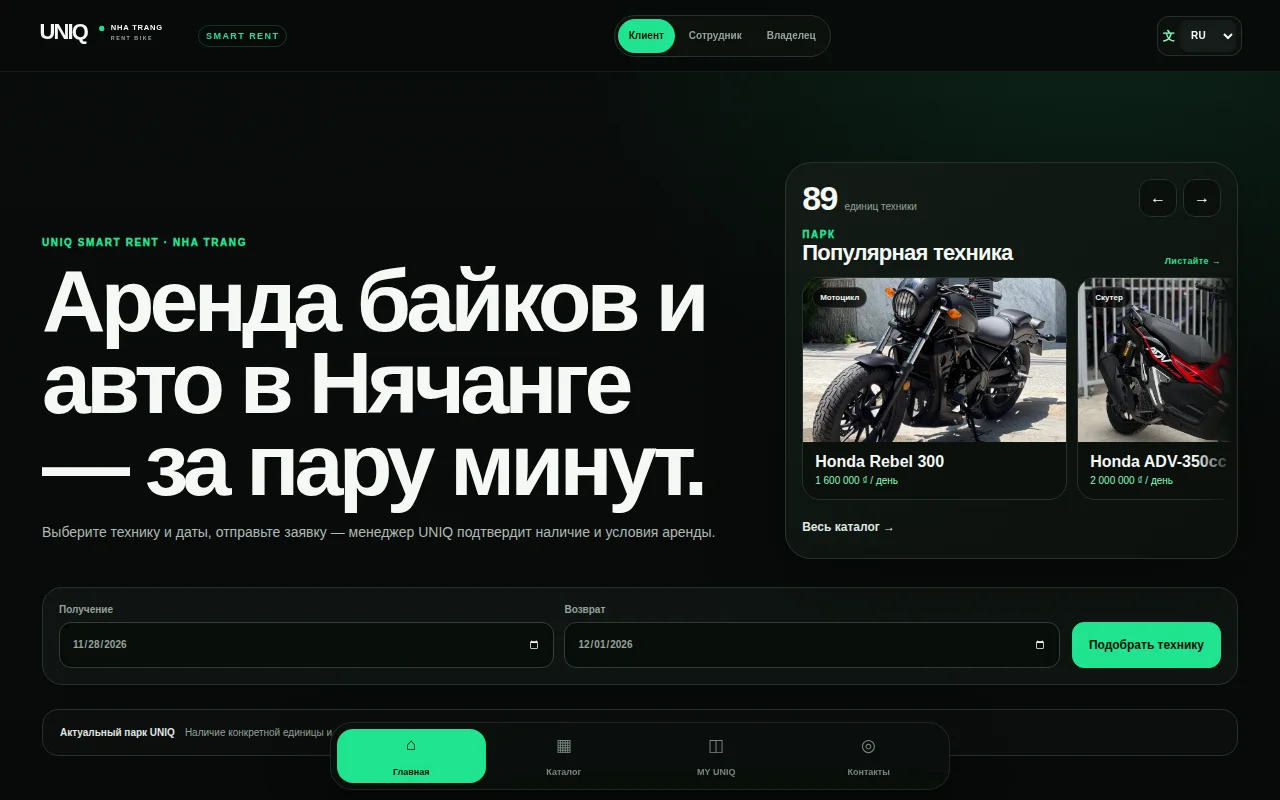
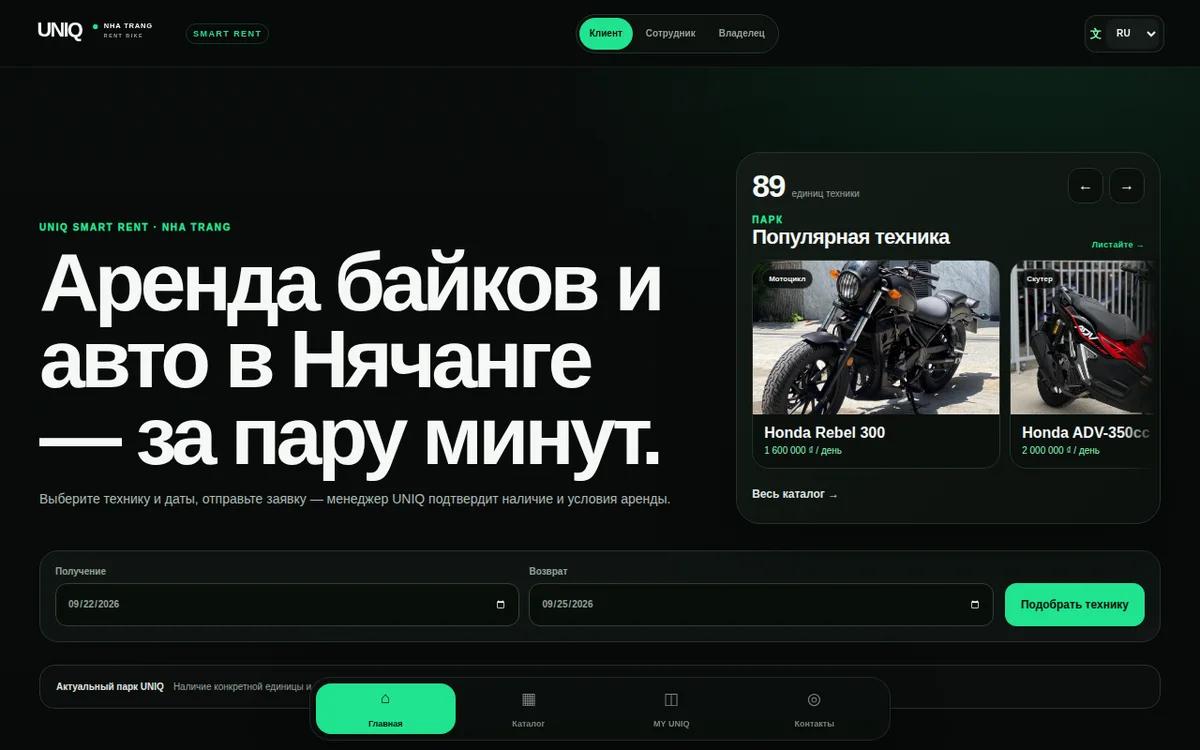
Choose pickup and return dates and browse featured vehicles. A clear starting point guides customers to the catalogue.
One rental system with three interfaces: customers choose vehicles and submit requests, employees manage the rental lifecycle, and owners see an operational overview.
A rental business needs to connect selection, enquiries, handover, return and oversight. Fragmented chats and spreadsheets can lead to repeated questions and limited visibility. We designed a continuous workflow for all three participants using UNIQ Moto as an example.
Open the web app without installing software and choose a vehicle before speaking with a manager.
Choose pickup and return dates and browse featured vehicles. A clear starting point guides customers to the catalogue.
Browse motorcycles, scooters and cars with published UNIQ photos. Search by name and filter by vehicle type.
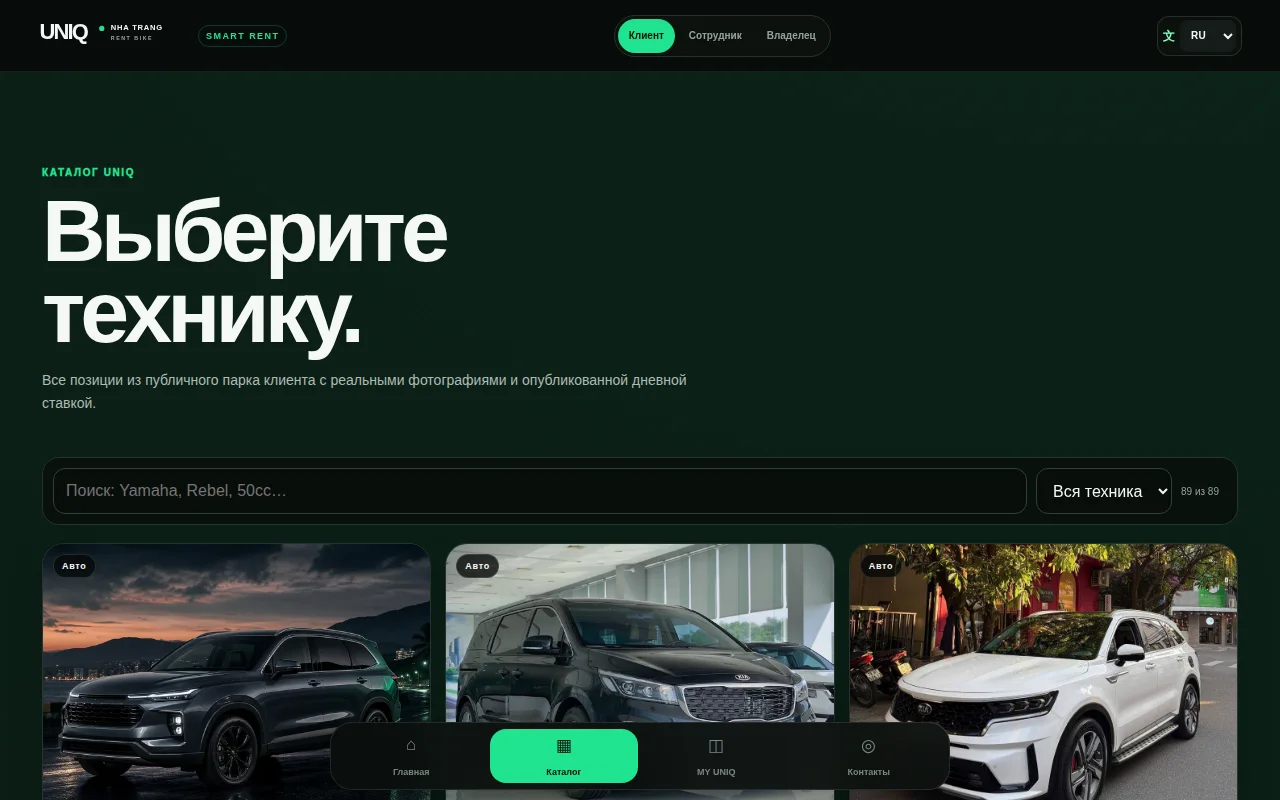
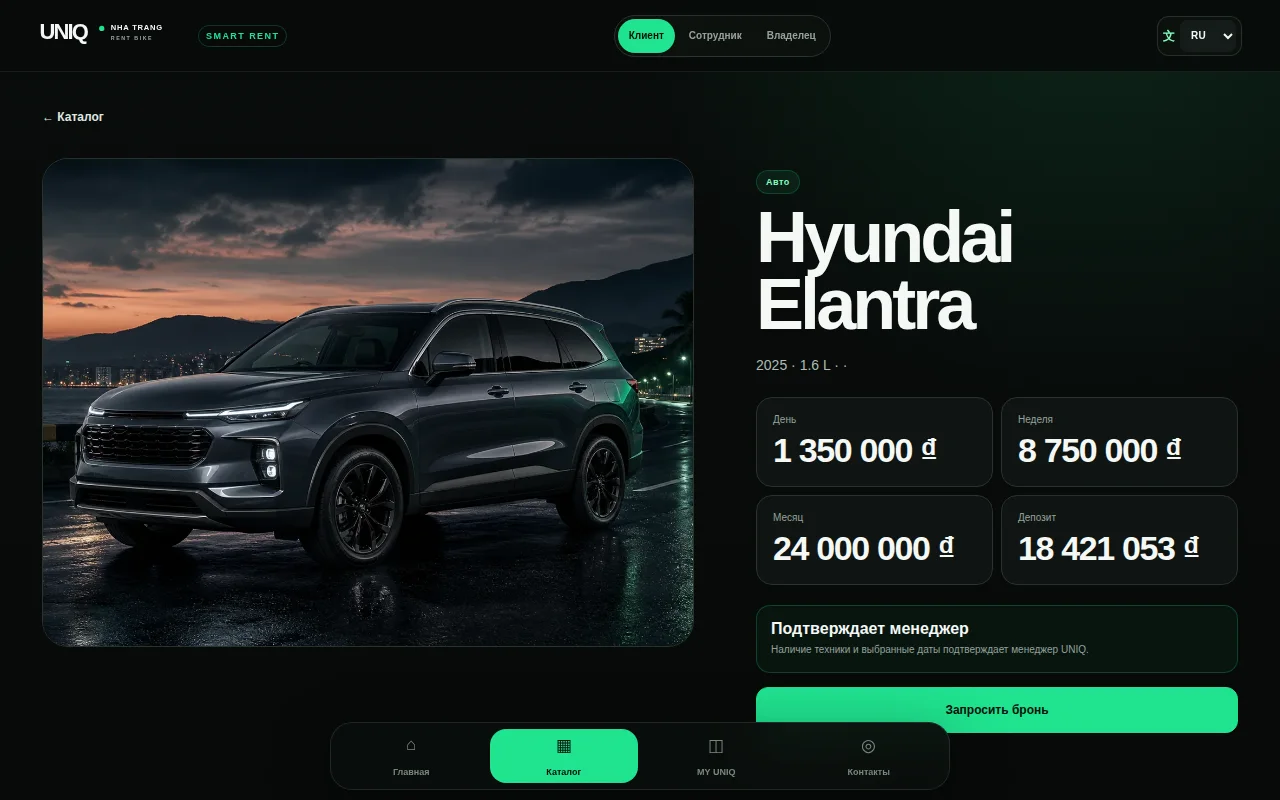
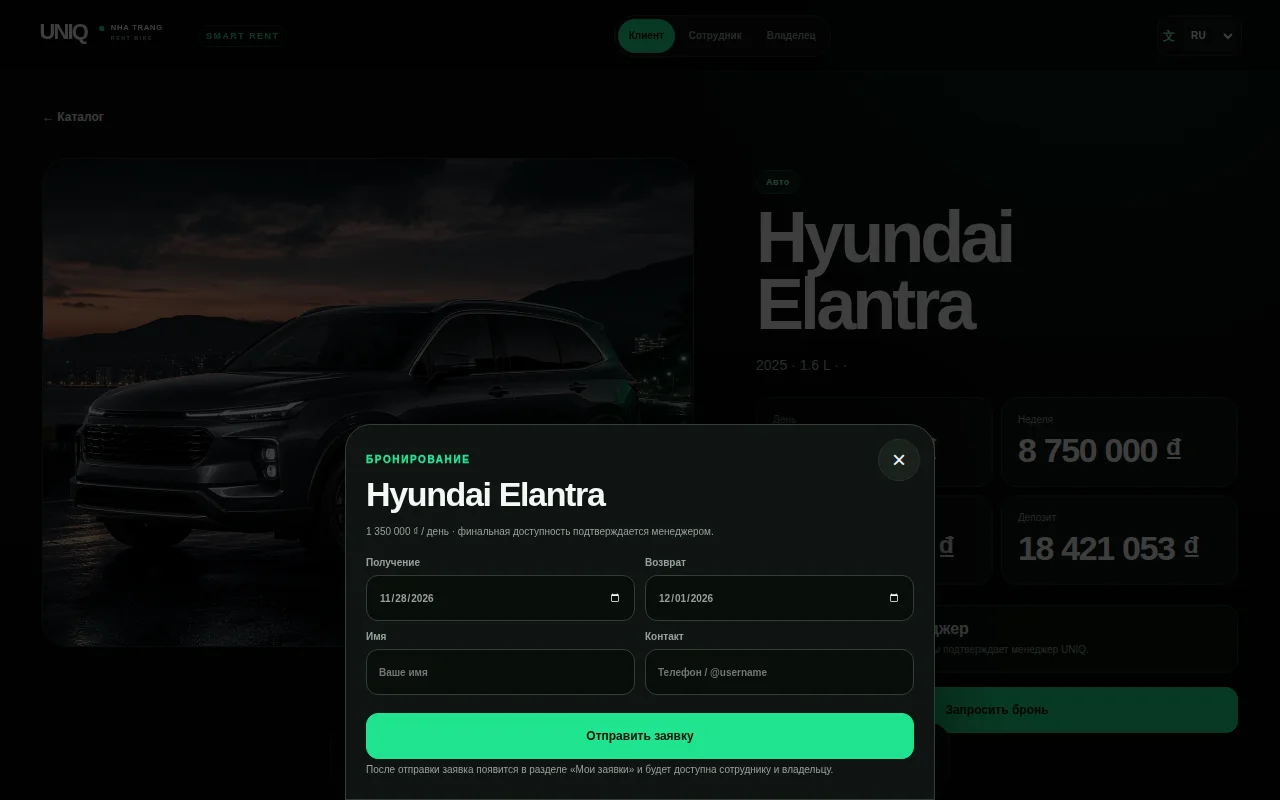
Photo gallery, year, specifications, daily, weekly and monthly rates, deposit and manager-confirmation notice.
A compact form captures dates, name and contact. The application calculates an indicative tariff and carries the selected vehicle into the request flow.
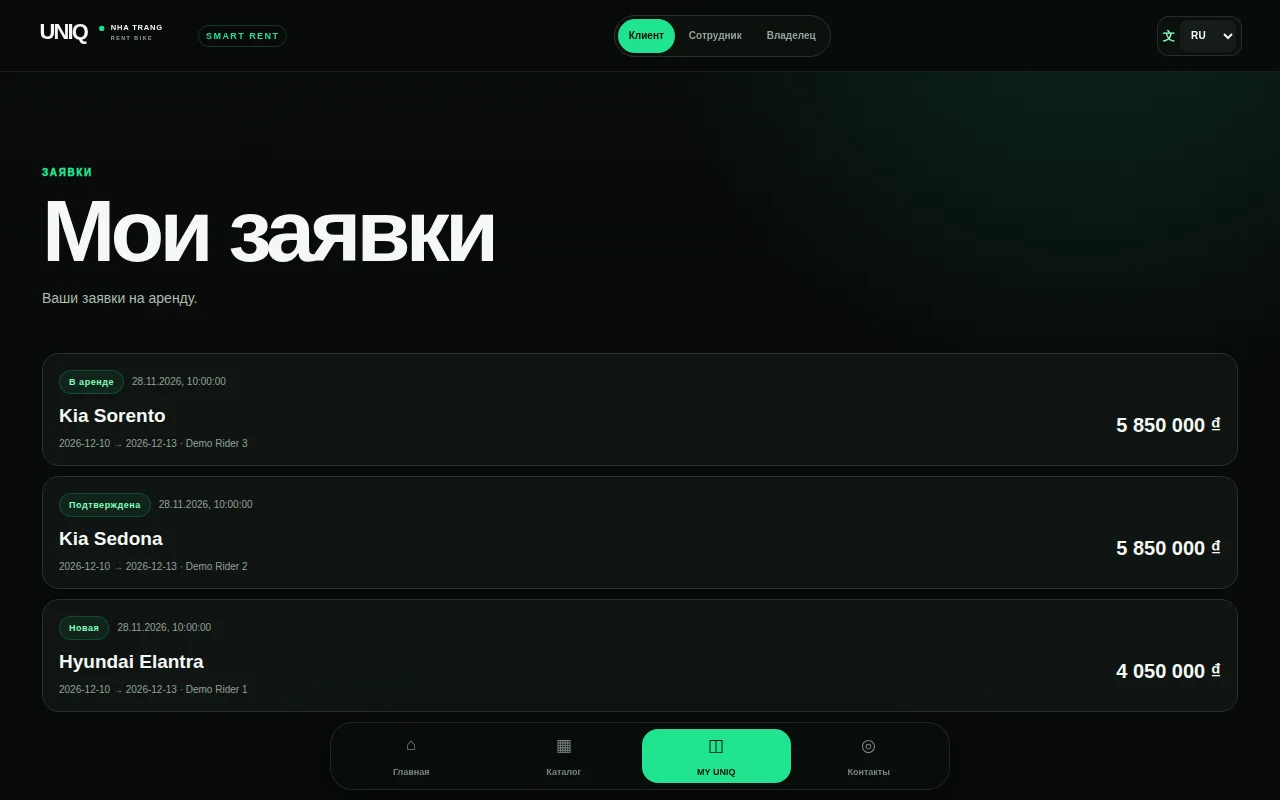
See vehicle, dates and request status in the demo rather than restarting the selection journey.
The source includes payment method selection and a local payment marker. No real money is charged.
Phone, Telegram, Zalo, WhatsApp, two pickup locations and Google Maps links keep manager assistance accessible.
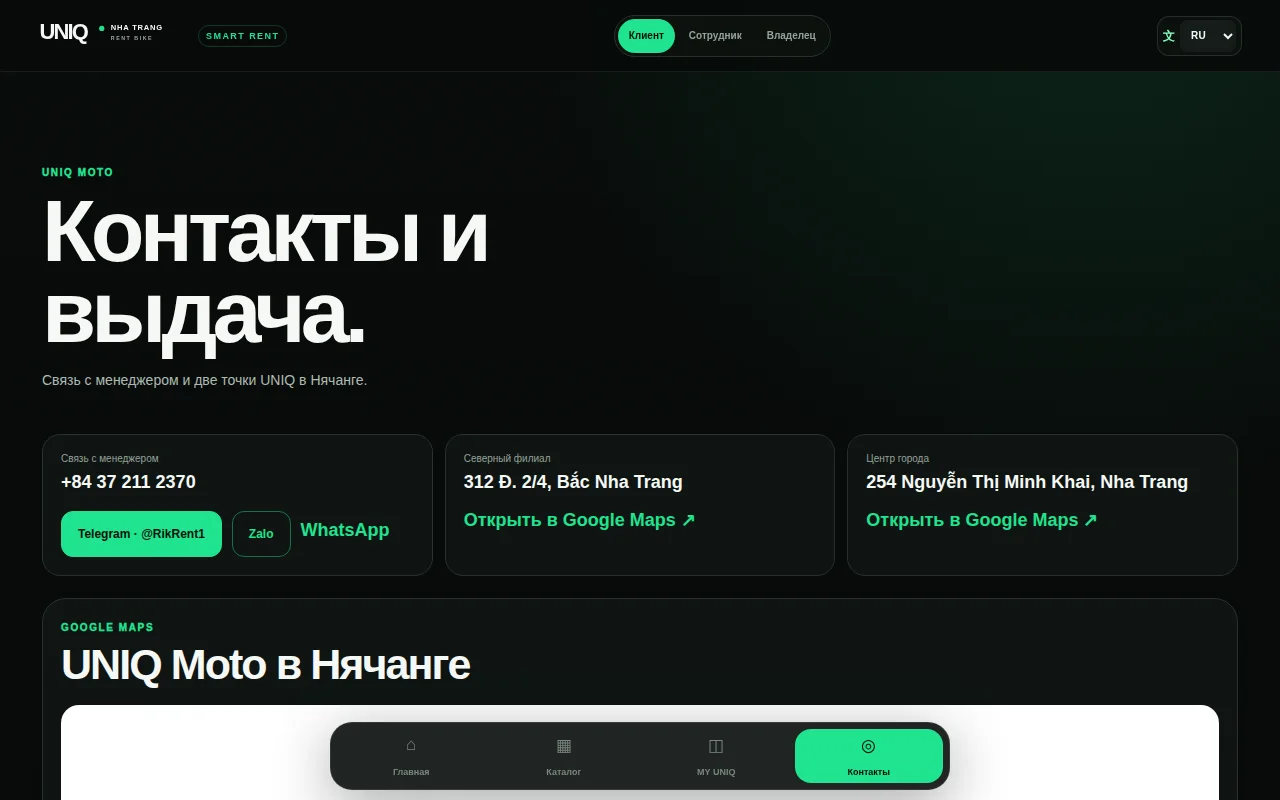
Potential benefit: fewer repetitive enquiries, better prepared requests and a clear path to booking.
An operational interface continues the customer journey instead of leaving the team with disconnected tools.
Open requests, fleet size, readiness and recent enquiries in one working view.
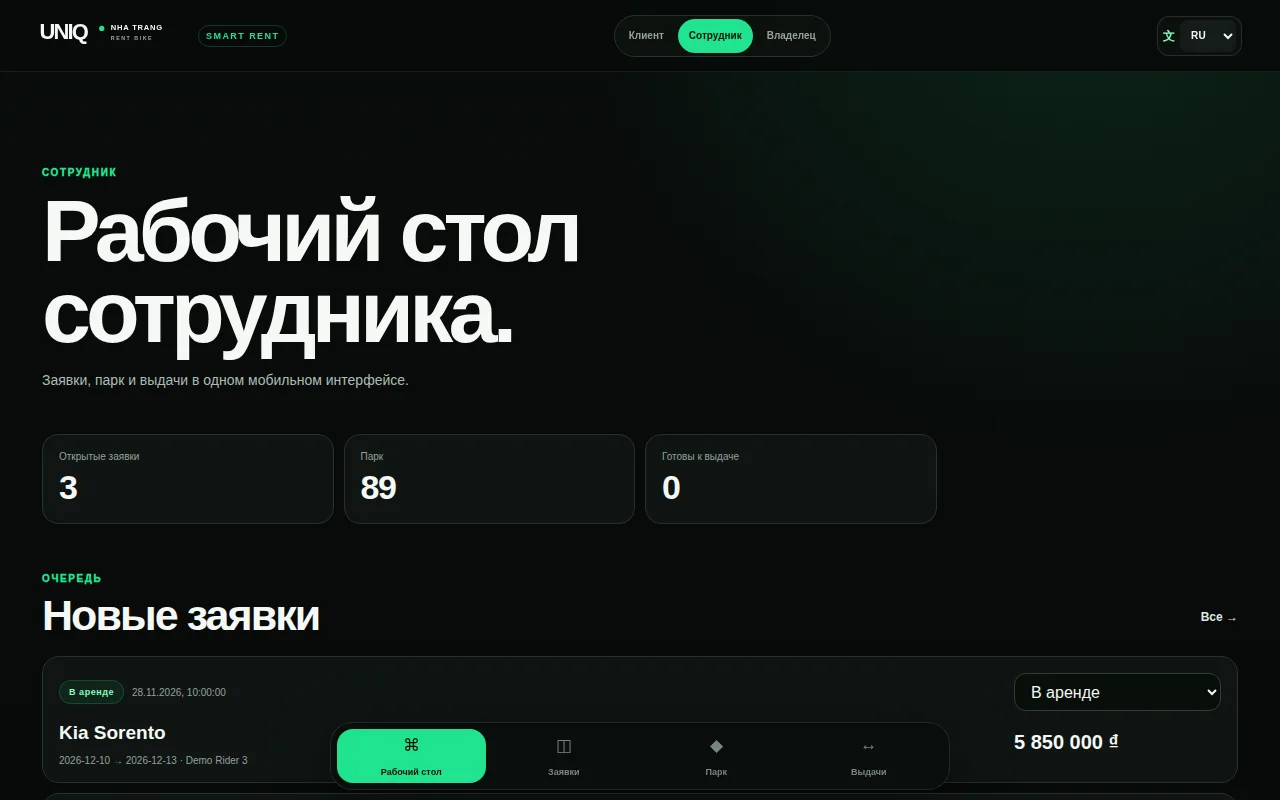
Contact, vehicle, rental dates, indicative amount and editable lifecycle status from initial contact to completion or cancellation.
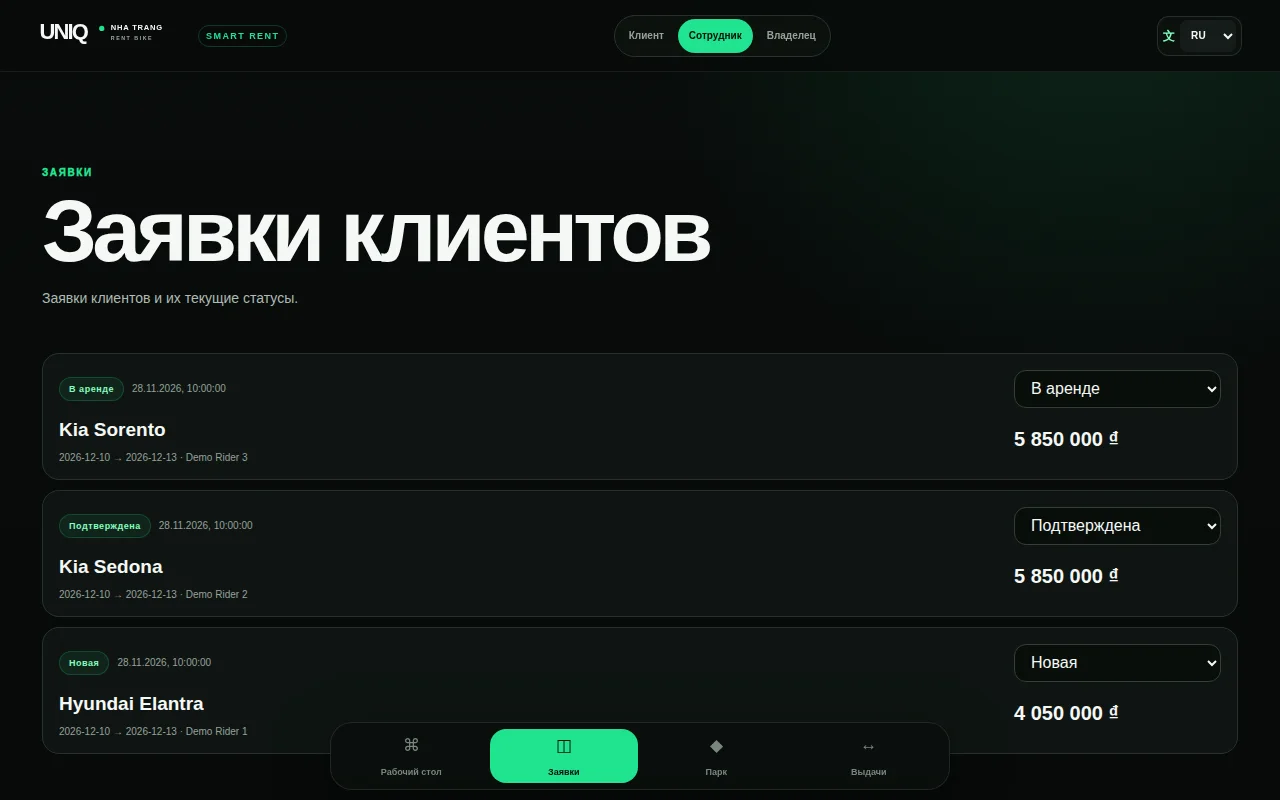
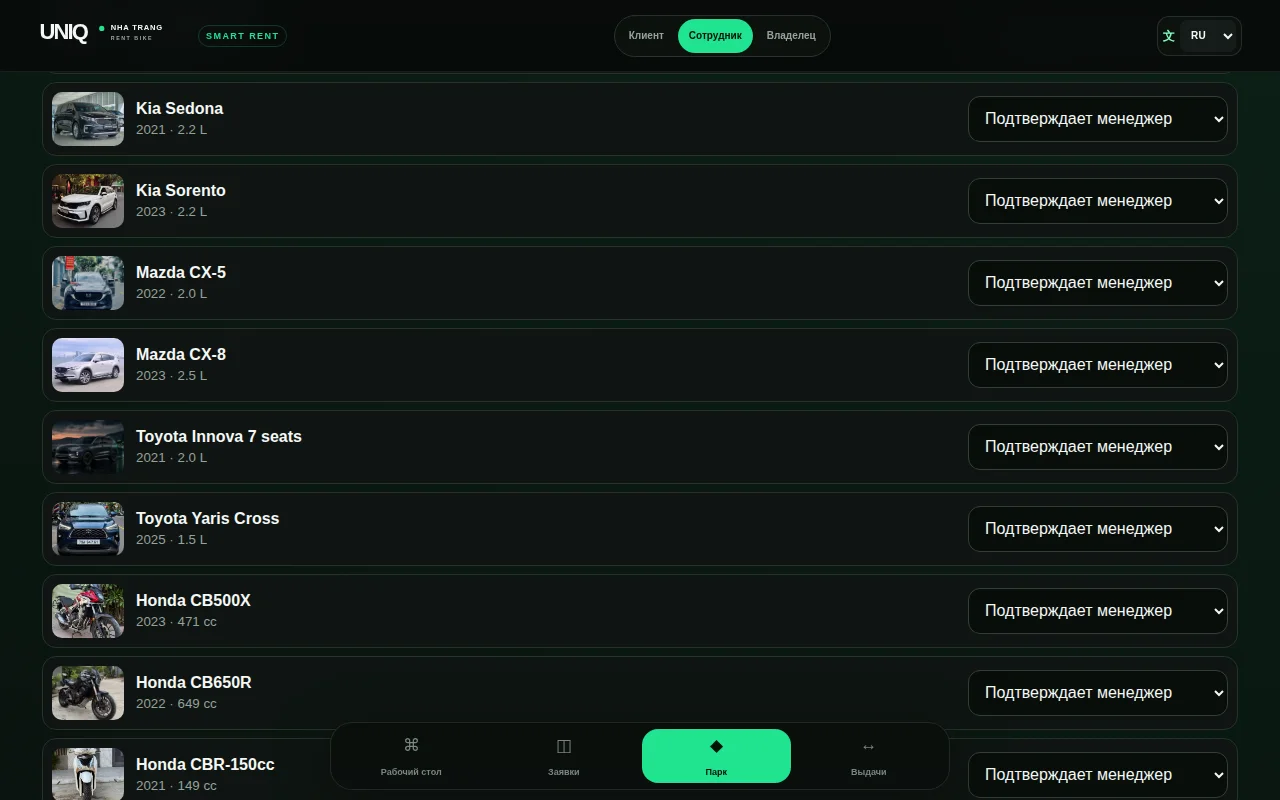
Vehicle list with photos, specifications and editable states: manager confirmation, ready, reserved and service.
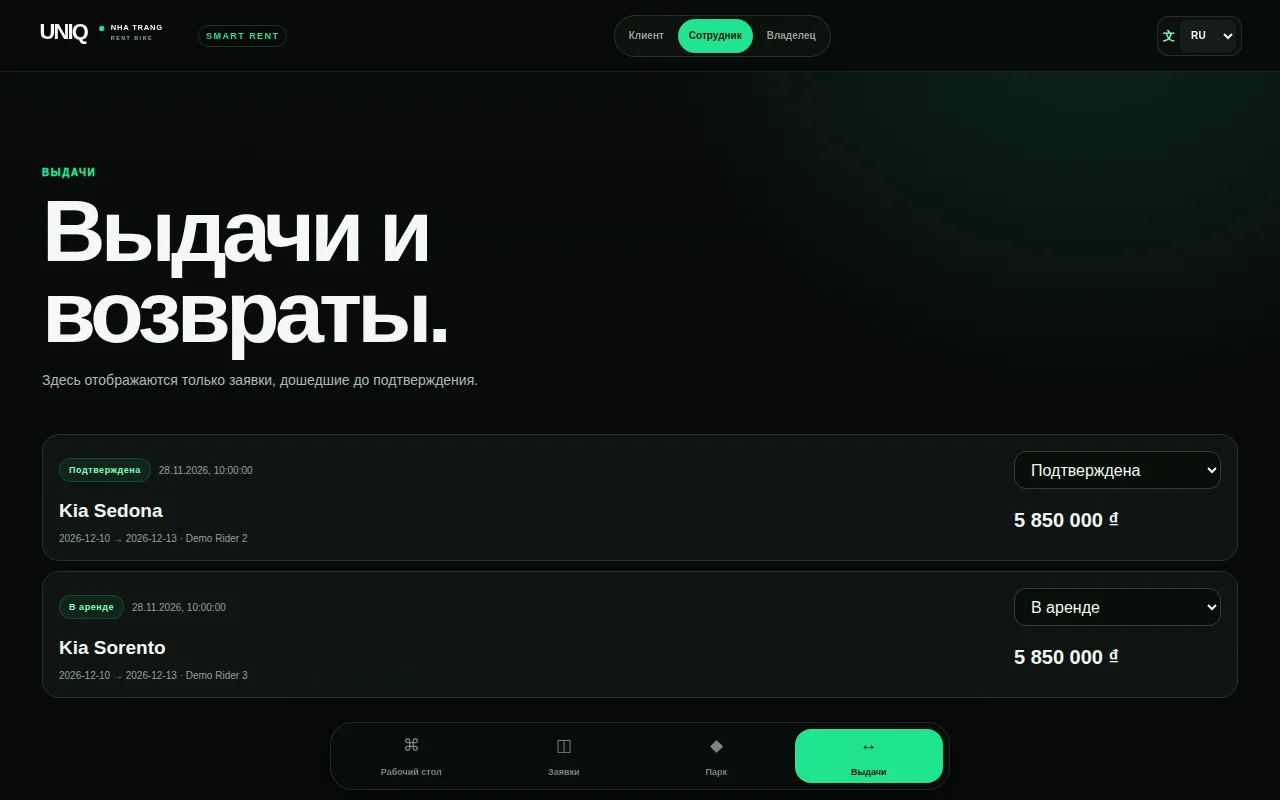
A dedicated view brings confirmed requests and subsequent rental stages together.
The source includes a demo payment indicator for staff to review. It is not payment processing or acquiring integration.
Potential benefit: shared request context, less repeated entry and clearer operations.
An overview turns request and fleet data into useful operational signals without overwhelming the owner.
Fleet size, customers, open and confirmed requests, and potential request value at current tariffs. Request value is not revenue.
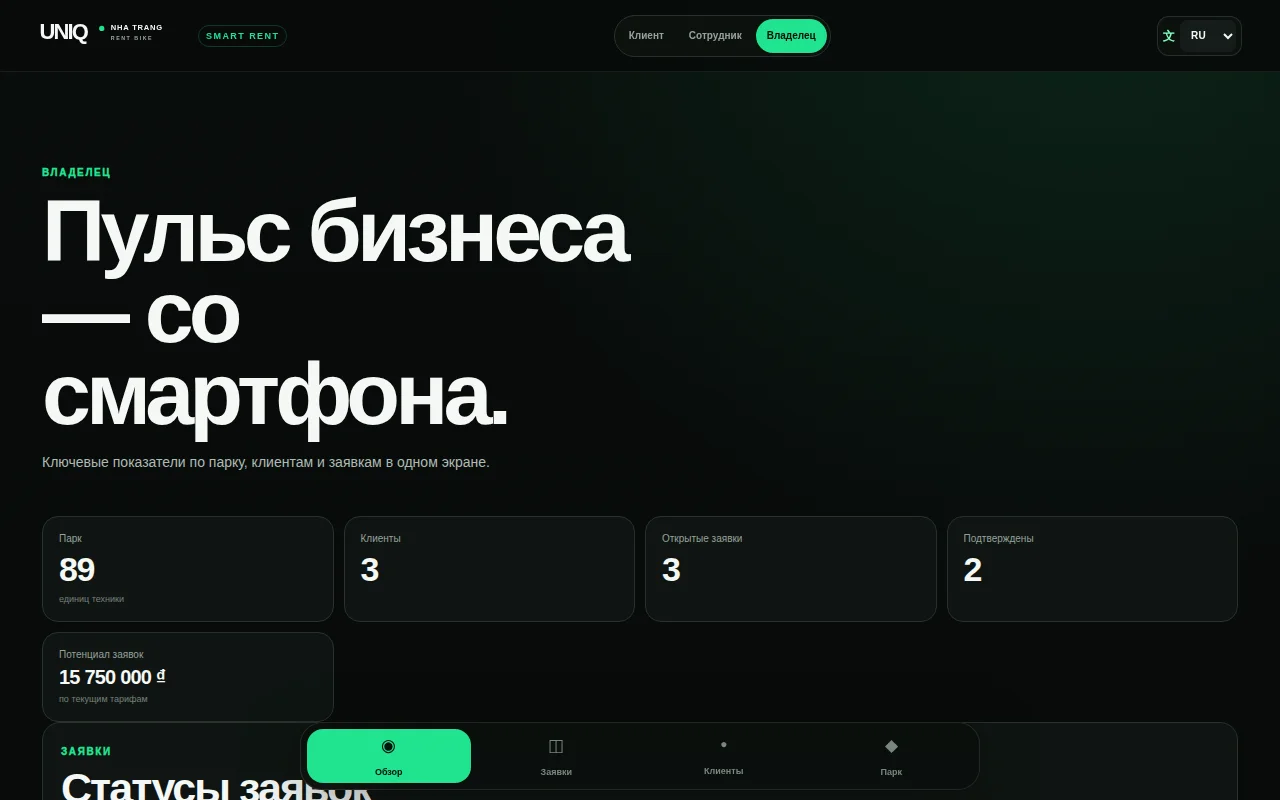
See how many requests are at each stage, providing a basis for queue oversight and later conversion analysis.
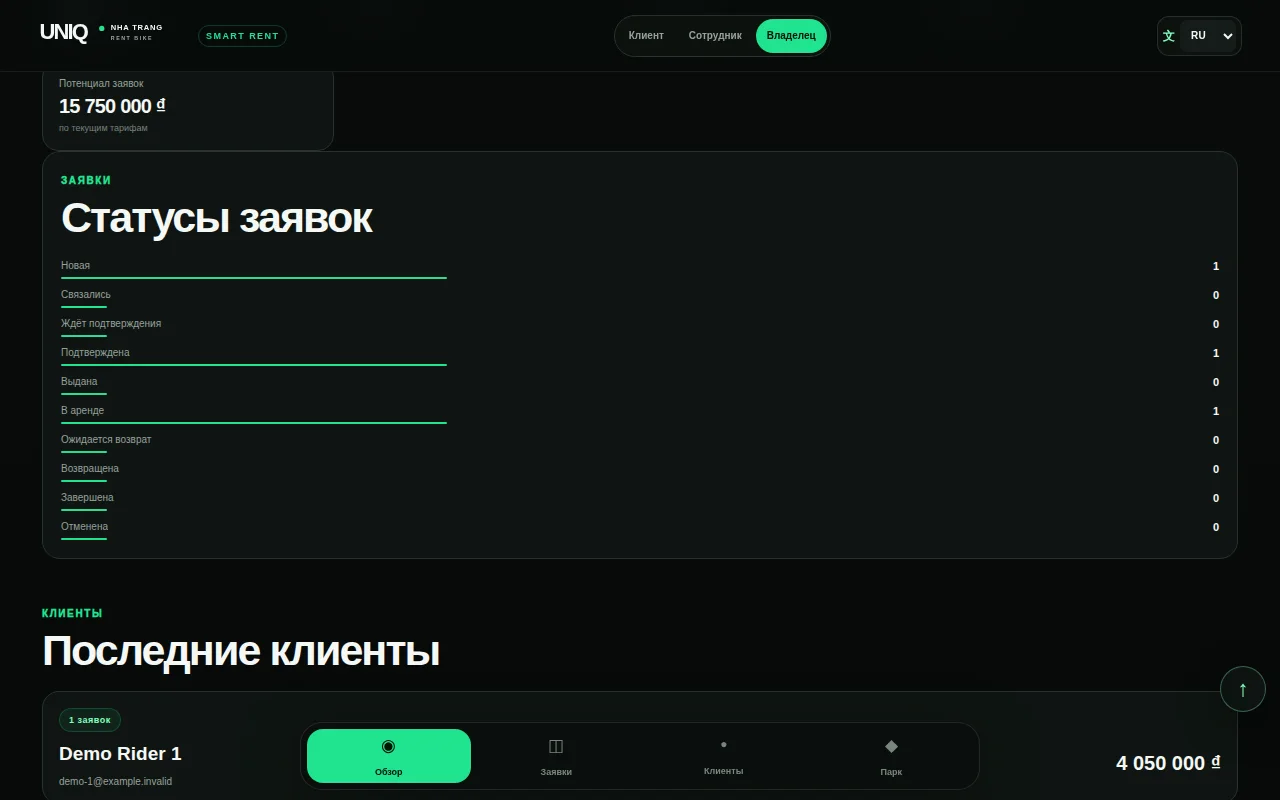
Requests are grouped by contact; vehicle, dates, amounts and payment records provide customer history.
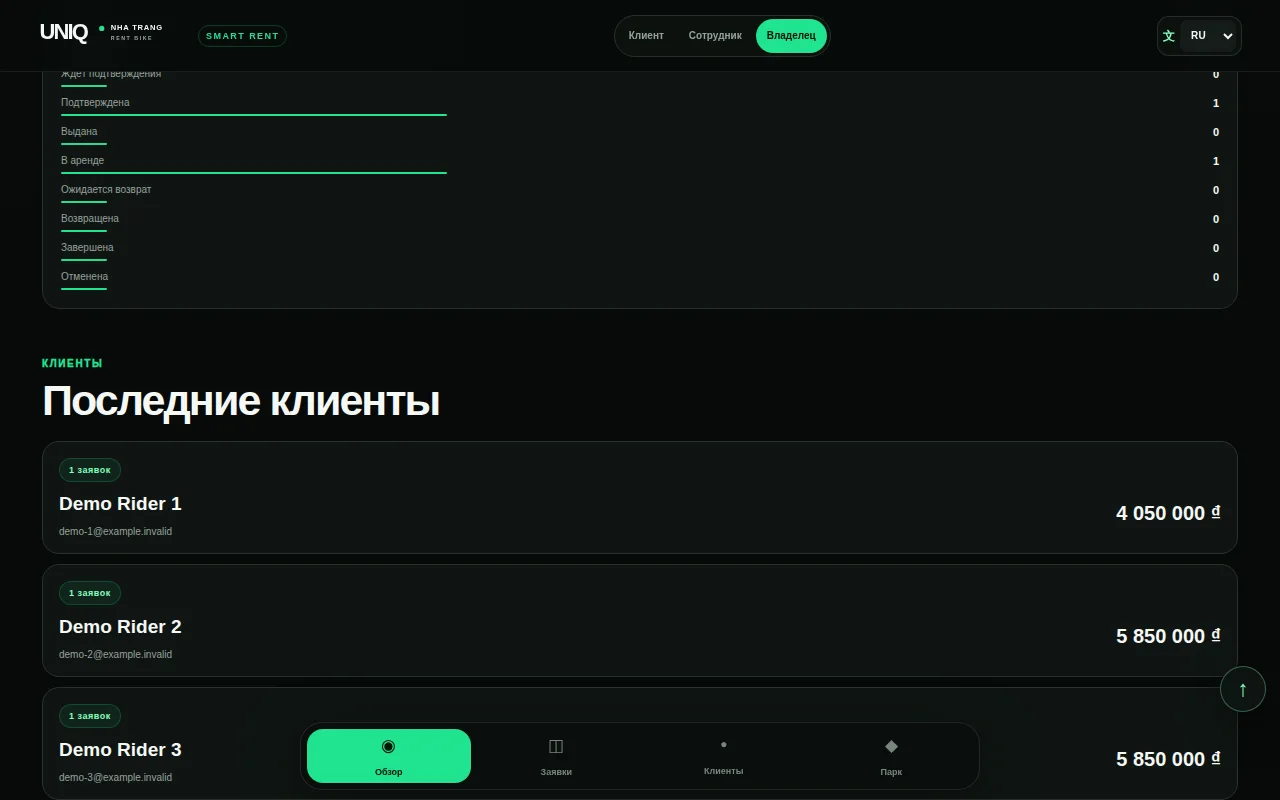
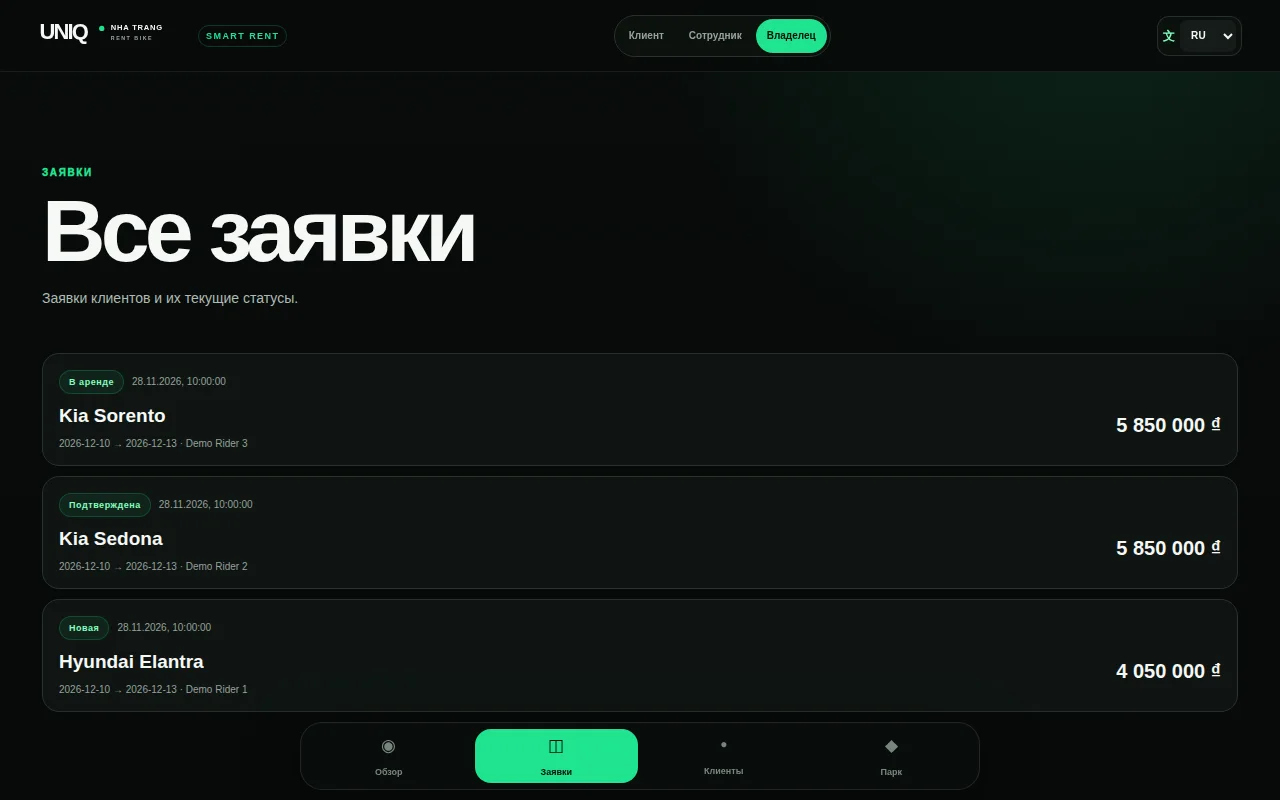
Review enquiries and statuses without taking over the employee workflow.
See readiness, reserved and service states. Demo states are not a live availability calendar.
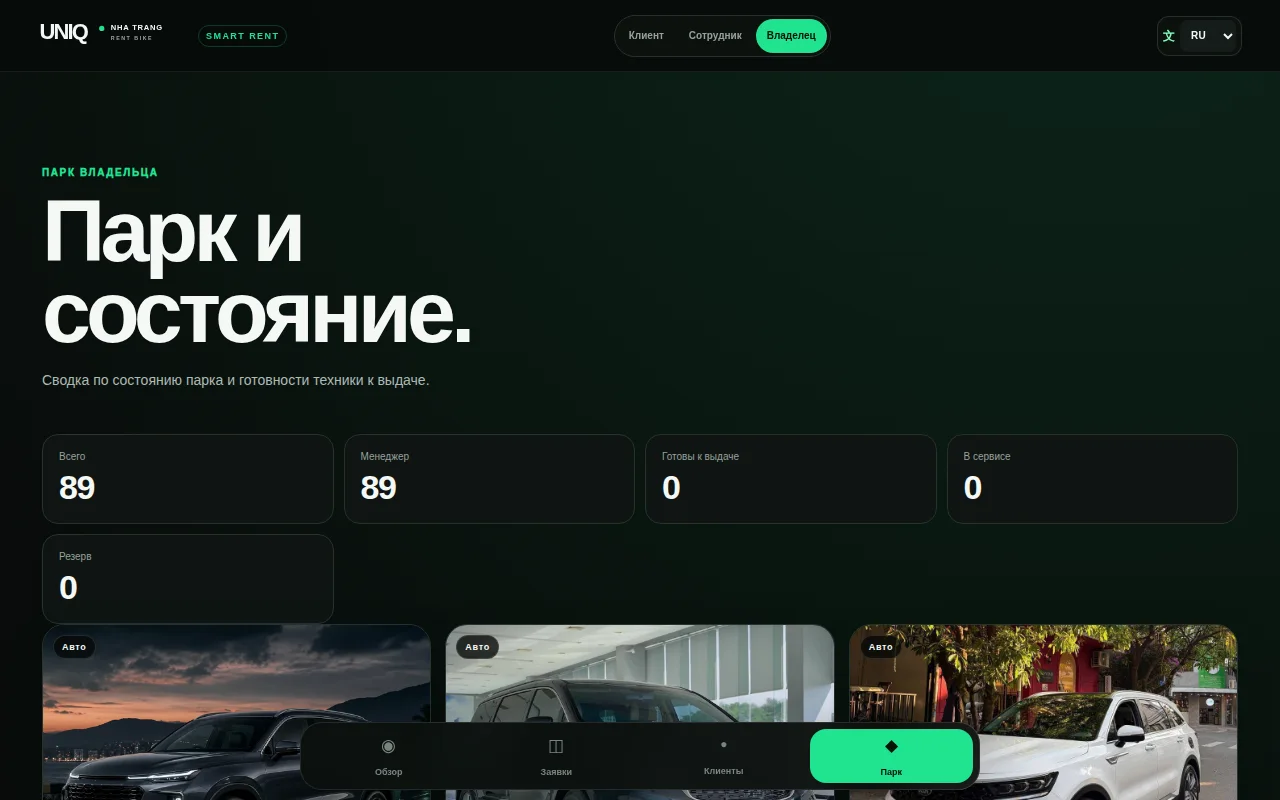
Potential benefit: accessible management information and a foundation for future operational analytics.
Interfaces share the request model and workflow. A shared production database requires configuration and verification.
Customer journeys, business rules, APIs and a prepared data model — not simply a catalogue.
Three role modes, shared request model, rental lifecycle and fleet statuses. The public role switch is for demonstration, not production access control.
Compares daily, weekly and monthly tariff combinations for the rental period. Final terms require manager confirmation.
Typed domain logic, static web application and server APIs for fleet, availability, requests and status updates.
D1 and migrations cover vehicles, prices, customers, bookings, rentals and related entities. Staff API writes require a key. Production needs real roles, authentication and authoritative availability.
Russian, English, Vietnamese, Korean and Chinese interface support, ordinary browser access and Telegram WebApp hooks.
The repository includes domain tests and browser E2E scenarios for eight viewport sizes, catalogue, languages, requests and role interfaces.
Replace vehicles with other resources or services while preserving selection, request, processing, fulfilment and oversight.
Resource catalogue, dates, tariffs, reservation, handover and return.
Programme catalogue, date, request details and manager follow-up.
Service selection, request, work stages and management overview.
Listings, date enquiries, approvals and operational status.
This is a public interactive demonstration, not a verified live UNIQ deployment. Request data, fleet states, customer profiles and payment records may be demo data stored in the browser. Production requires authoritative data and calendar, access control, business rules and integrations. Actual sales, revenue and conversion improvements have not been measured.
We design customer journeys, operational interfaces and integrations around real processes — from one task to a connected system.